How Can We Help You?
-
Getting Started
-
Theme Options
-
Meta Options
-
Builders
-
Custom Posts
-
Others
< All Topics
Breadcrumbs
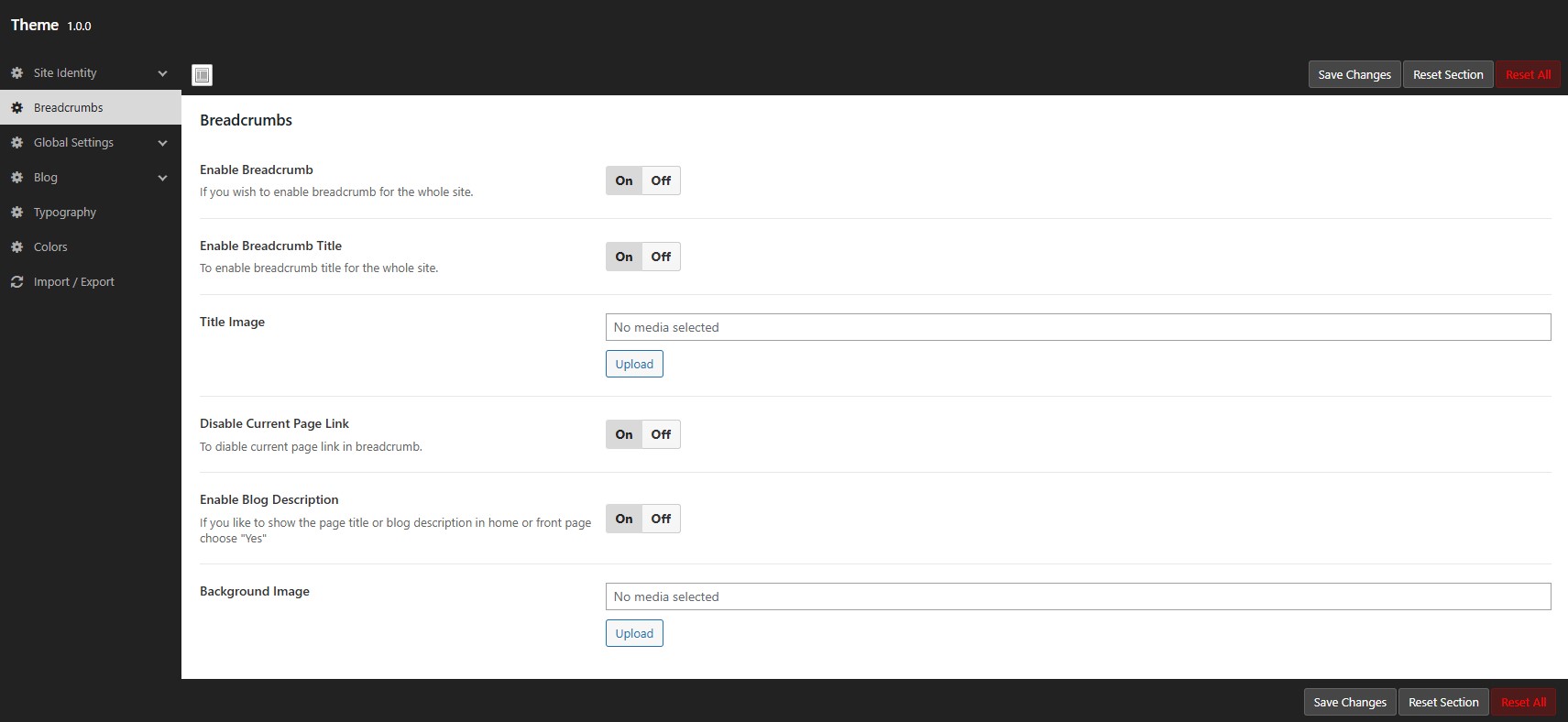
To find this option navigate to WordPress Dashboard -> Nexira -> Theme Options -> Breadcrumb.
Utilize this breadcrumb options panel to customize the site breadcrumb as per your needs. The options are listed below.
Option to disable the breadcrumb section entirely.
Option to disable the current page title and current page link from the breadcrumb.
The title image option allows you to change the image displayed within the breadcrumb title.
You can show the page title or blog description in home page or front page.
There is an option to change the breadcrumb background image.