How Can We Help You?
-
Getting Started
-
Theme Options
-
Meta Options
-
Builders
-
Custom Posts
-
Others
< All Topics
Global Settings – Sidebar
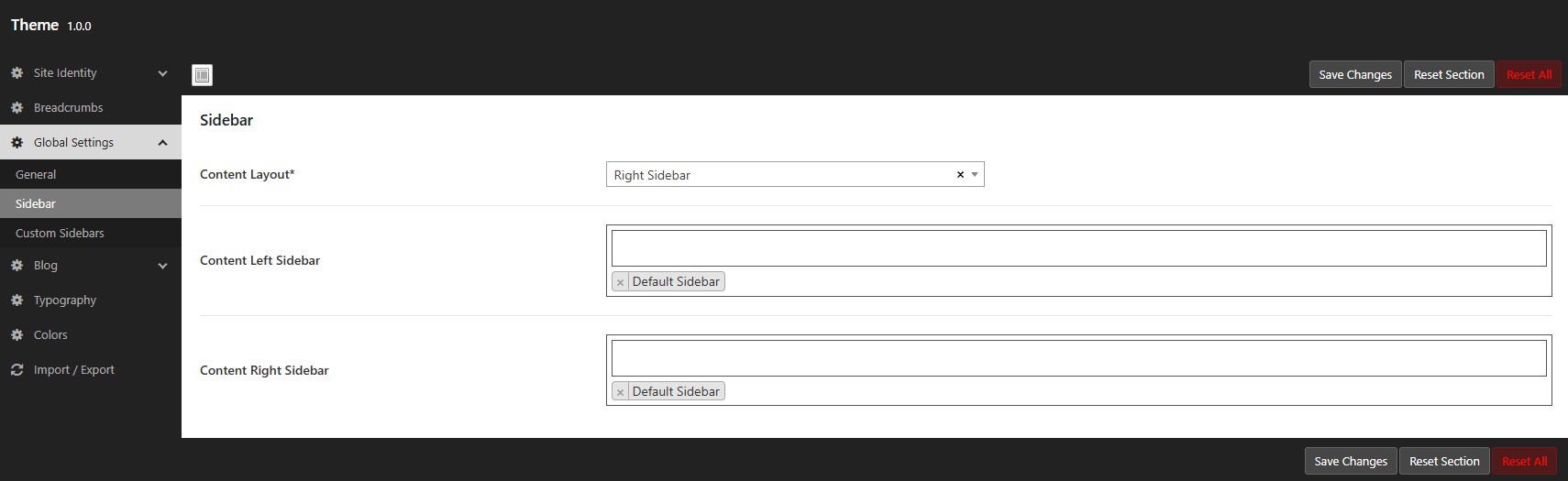
To find this option navigate to WordPress Dashboard -> Nexira -> Theme Options -> Global Settings -> Sidebar.
Setting up the default sidebar layout for whole site can be done here.
Left Sidebar – Maintains the sidebar on the left side of the entire site.
Right Sidebar – Maintains the sidebar on the right side of the entire site.
Widgets
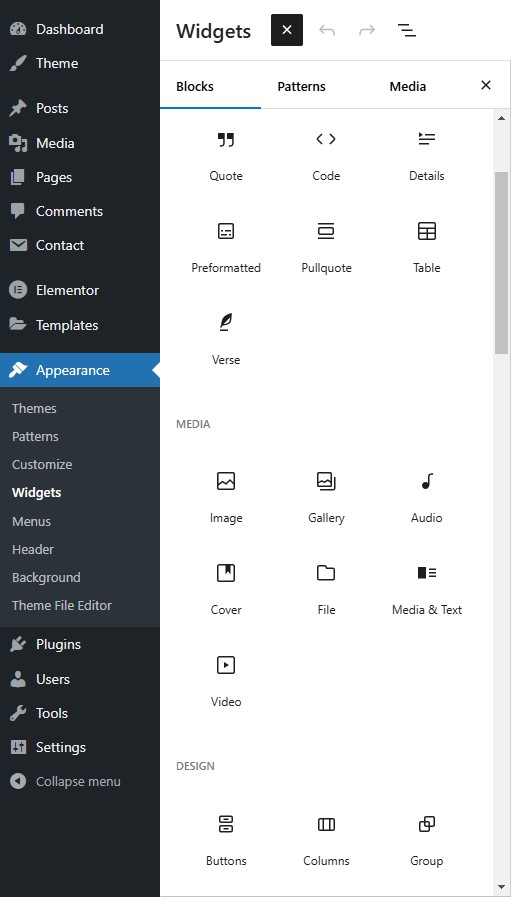
To find this option navigate to WordPress Dashboard -> Appearance -> Widgets.
Follow the below steps to add widgets to the sidebar.
Here you can find left & right sidebar in default.
The list of widgets will be listed, if you click on plus icon.
Just drag & drop the Widgets you need to show on sidebars.
If you wish to show widget specifically for the particular post or page, then you have to create Custom Sidebar.