How Can We Help You?
-
Getting Started
-
Theme Options
-
Meta Options
-
Builders
-
Custom Posts
-
Others
< All Topics
Site Logo
To update the site logo or site title navigate to the Dashboard -> Appearance -> Customize -> Site Identity, WordPress default settings.
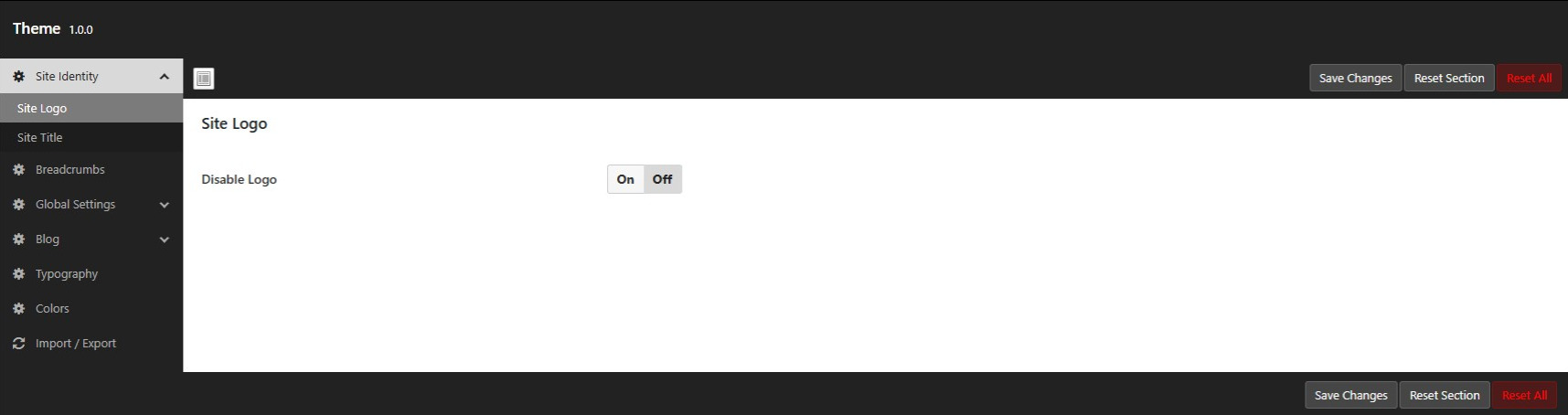
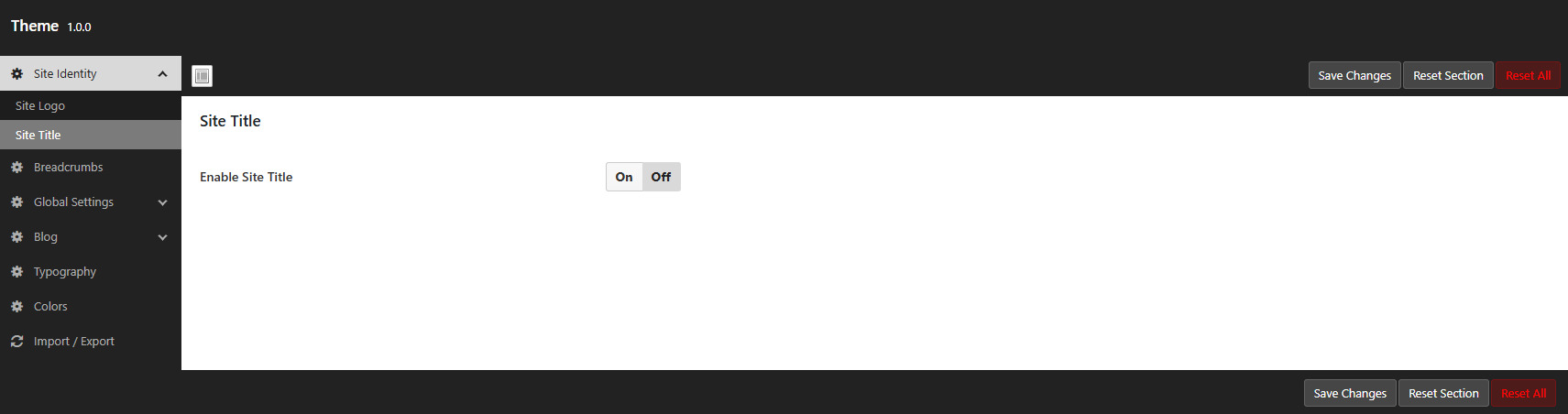
If you wish to disable the site logo or site title navigate to the Dashboard -> Nexira -> Theme Options -> Site Logo or Dashboard -> Nexira -> Theme Options -> Site Title, to do so.